
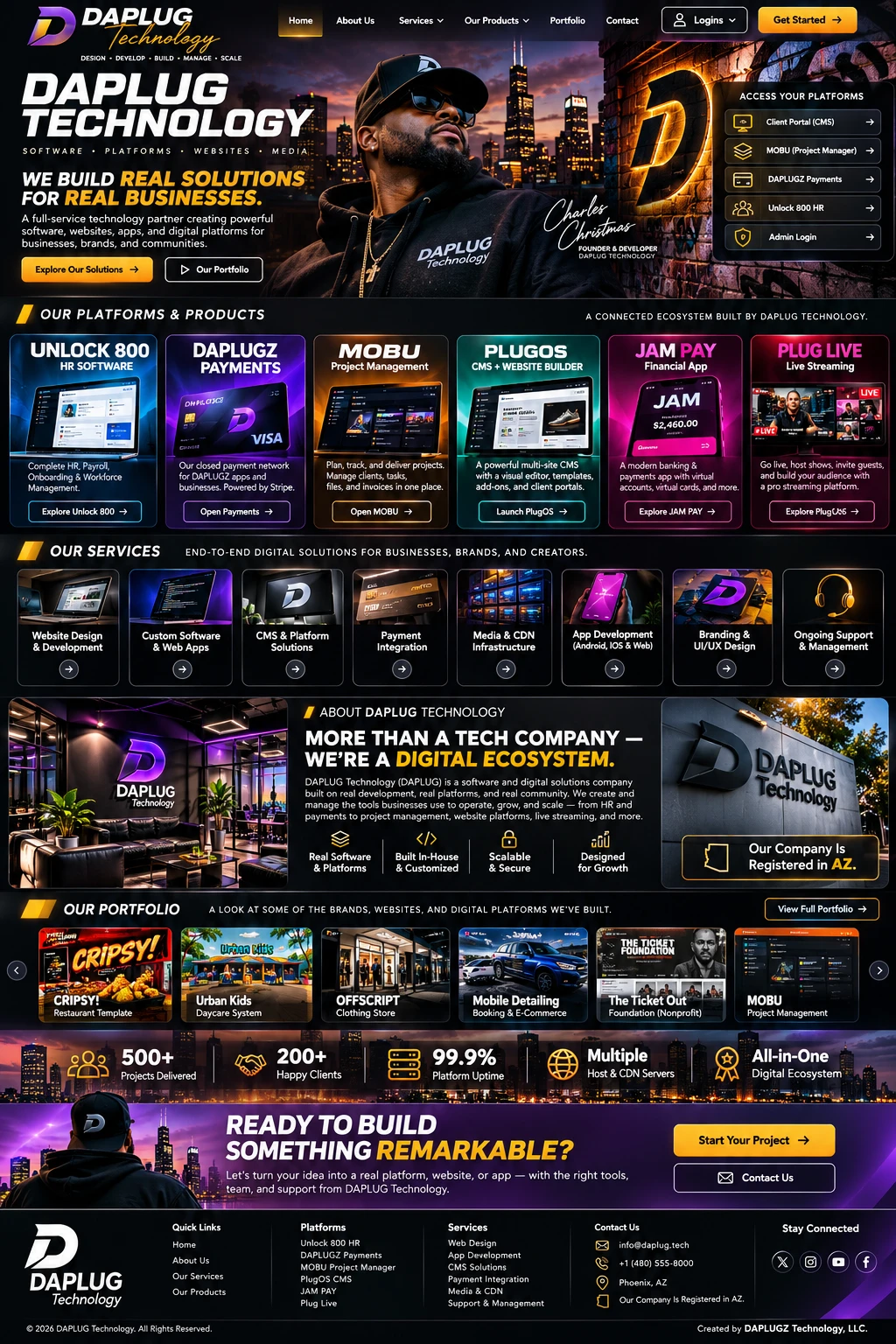
 Technology
Services
The right work. Connected from the start.
From a public-facing website to the systems behind it, explore the service that fits your next step.
What we can help with
Website Design & Development
Distinctive websites that connect your brand, content and customer journeys, from the first mobile visit to a clear next action.
Start with the business
We define the audience, the purpose of each page and the actions visitors should be able to take. A service business, a nonprofit, an event and a membership platform need different content priorities and journeys.
Design the complete experience
The work covers page hierarchy, navigation, typography, imagery, calls to action and responsive layouts. Project screens are reviewed as full pages, with attention to readable content, keyboard access and practical touch controls.
Build around real workflows
We can scope inquiries, booking entry points, account access, product information and connections to existing tools. Forms and destinations are connected to agreed services rather than left as decorative buttons.
Prepare for launch
Content checks, device testing, route checks, domain configuration and a handover plan are part of the launch conversation. Search-friendly page structure and metadata can be included without promising rankings.
Keep the site useful
After launch, agreed support can cover content changes, interface improvements and new integrations. Hosting, maintenance responsibilities and any recurring costs are defined for the project.
Discovery and site architecture
Responsive page design
Content structure and navigation
Forms and business integrations
Launch planning and ongoing improvement
What we can help with
Custom Software & Web Apps
Purpose-built applications for the way your team works, combining interfaces, business rules, data and integrations in a coherent system.
Map the work
We identify users, responsibilities, repeated tasks and handoffs before choosing screens or technology. The result is a scoped workflow rather than a collection of unrelated features.
Build the application layers
Scope can include responsive interfaces, backend services, database models, APIs, administration tools and user-facing portals. Roles and access requirements are designed around the people who need the system.
Connect existing systems
Integrations can move information between approved business tools and reduce duplicate entry. Data mapping, validation, error handling and recovery behavior are agreed alongside the happy-path experience.
Use automation deliberately
Automated tasks, AI assistants, chatbots and language-model integrations can be included where they solve a defined problem. Human review, data handling and fallback behavior are considered for the particular use case.
Deliver in usable stages
Prototype, implementation, testing and handover can be phased around the highest-value workflow. Performance requirements, support and future changes are established without blanket promises about scale or uptime.
Workflow discovery
Dashboards and client portals
APIs and data modeling
Automation and AI-assisted workflows
Legacy modernization
What we can help with
CMS & Platform Solutions
Publishing and management tools that let your team own the content, organize operations and develop a platform beyond a single landing page.
Make content manageable
We organize pages, media and reusable sections around the people maintaining them. Meaningful field labels and structured content reduce the need to edit raw page code for ordinary updates.
Design the publishing workflow
Drafts, review, previews and publication rules can be scoped to the team. Responsibilities and permissions are mapped before implementation, including how changes are checked and recovered.
Create connected experiences
CMS work can extend into client areas, memberships, commerce, service directories or other platform modules. Each capability is tied to a clear content model and an agreed user journey.
Plan migrations carefully
Existing pages, URLs, assets and content relationships can be inventoried and migrated as part of the project. Redirects, preservation of important material and acceptance checks are planned before switching traffic.
Support the operators
Training and handover explain what staff can change and what needs technical support. Platform updates and ongoing maintenance are separate, explicit parts of the engagement.
Editable content models
Publishing and review workflows
Multi-page platform architecture
Member and client experiences
Commerce and service integrations
What we can help with
Payment Integration
Branded payment journeys that connect checkout, invoices and customer records to the rest of your website or application.
Choose the right payment journey
We map what customers are buying, when they pay and what they should receive afterward. One-time purchases, invoices and subscriptions require different flows and disclosures.
Connect an approved provider
Integration work can use an approved processor such as Stripe, with the merchant’s own authorized account. Provider eligibility, onboarding, pricing and any regulated obligations remain separate from website design.
Keep the brand consistent
Checkout entry points, invoice presentation, confirmation screens and customer billing interfaces can carry the business’s visual identity while using the provider’s supported payment controls.
Track the payment lifecycle
Scope can include webhook handling, status updates, receipts and reconciliation views so the application responds to confirmed payment events. Refunds, failed payments and recurring changes are considered explicitly.
Test before accepting payments
Test-mode checks and an agreed launch checklist precede live payment activation. We do not promise transaction approval, settlement timing or a currently operating DAPLUGZ checkout based only on a design preview.
Provider-backed checkout
Invoices and receipts
Subscriptions where required
Payment-status synchronization
Customer and administration interfaces
What we can help with
Media & CDN Infrastructure
Organized media delivery for websites and applications, with separately designed private database-continuity workflows when a project needs replication and backups.
Publish approved website media
The current DAPLUGZ media workflow supports public website images and CDN delivery. Project work can organize image uploads, verified public URLs and application references so approved artwork appears consistently across connected pages.
Keep public media and private data separate
A public CDN image URL is for content intended to be visible on the website. Database dumps, credentials and private records must not be placed on public image routes. Private storage, access controls and transfer rules are designed separately.
Design SQL replication correctly
SQL replication is database-to-database, using a primary and one or more replicas where appropriate. We can scope topology, synchronization, monitoring, failure handling and the application’s read/write behavior for the selected database engine. Replication is not a substitute for historical backups.
Orchestrate backups through the media-server infrastructure
A separately implemented backup workflow can coordinate scheduled database exports or snapshots, transfer backup artifacts to private storage and apply retention rules. Encryption, access controls and audit requirements are defined as implementation tasks. The current public image dashboard is not represented as an active SQL backup or recovery console.
Prove recovery, not just file creation
Backup scope should include integrity checks and restore drills in an isolated environment. Recovery-point and recovery-time objectives, retention periods, off-site copies and responsible operators are agreed per project rather than promised as an existing service guarantee.
Integrate with operations
Monitoring, notifications and runbooks can be added for failed backups, replication lag and recovery procedures. Any private-file upload or database-management features require their own implementation and access review; they are not implied by the current CDN image pipeline.
Website-image publishing and CDN delivery
Media organization and integration
SQL primary/replica architecture planning
Private backup storage and retention design
Restore testing and recovery planning
What we can help with
App Development
Applications shaped for the screens your audience uses, from web and mobile experiences to connected-TV interfaces.
Design for the device
Phone, tablet, desktop and television interactions have different constraints. We consider navigation, input methods, screen distance, accessibility and content hierarchy instead of shrinking one layout to every size.
Choose the delivery approach
The source offering covers web applications, iOS and Android apps, and connected-TV platforms including Roku, Samsung Smart TV and LG. The appropriate native, web or platform-specific approach is selected for the project.
Connect the product
Accounts, content, notifications, approved billing flows and service integrations can connect to a backend designed for the application. Data synchronization and unavailable-network behavior are scoped where relevant.
Test the user journeys
Testing focuses on the agreed devices and core actions: entering the app, finding content, completing a task and recovering from an error. Platform-specific requirements are considered before release.
Plan for release and updates
Store submission, release assets, deployment and post-launch maintenance can be included. App-store acceptance, review timing and platform policies are controlled by the respective providers, not guaranteed by the development engagement.
Web application interfaces
iOS and Android development
Connected-TV experience design
Backend and API integration
Release planning and maintenance
What we can help with
Branding & UI/UX Design
A recognizable identity and clear interface language, developed around what your product does and how people should experience it.
Give the brand a point of view
We establish the audience, positioning and visual character before producing individual screens. Identity work can cover wordmarks, color, typography and image direction appropriate to the engagement.
Turn complexity into clear journeys
Information architecture and interaction design determine how users find what they need. Navigation, forms, feedback and decision points are designed together rather than treated as isolated decoration.
Build a reusable interface system
Reusable components, spacing rules and content patterns keep dashboards, portals and public pages consistent. Design-system scope depends on the number of products and teams using it.
Review real screens and interactions
Concepts can be explored through full-screen artwork, interactive prototypes and alternative layouts. Reviews distinguish an illustrative concept from a working application and focus on concrete changes to the experience.
Hand over something buildable
Design specifications, assets and implementation guidance can support the development team. Responsive states, focus behavior, readable contrast and accessible controls are considered as part of the design work.
Brand and visual direction
Typography and color systems
Interface components and design systems
User journeys and prototypes
Responsive and accessibility-aware design
What are you building?
Give your next idea a place to grow.
Tell us about the people you want to reach and the problem you want to solve.
Start a conversation →