DAPLUGZTechnologyLet's build →

One network. Multiple ways in.

Find your connection.

Choose a platform to explore its role, tools and next step.

Select a platform below. With a keyboard, use Tab to enter the choices and arrow keys to switch.

DDAPLUGZTHE NETWORK

Explore the platforms. See how the work connects.

The payment layer

DAPLUGZ Payments

DAPLUGZ Payments gives every company, site and app in the network a payment experience with its own identity, while one system keeps customers, billing and receipts connected.
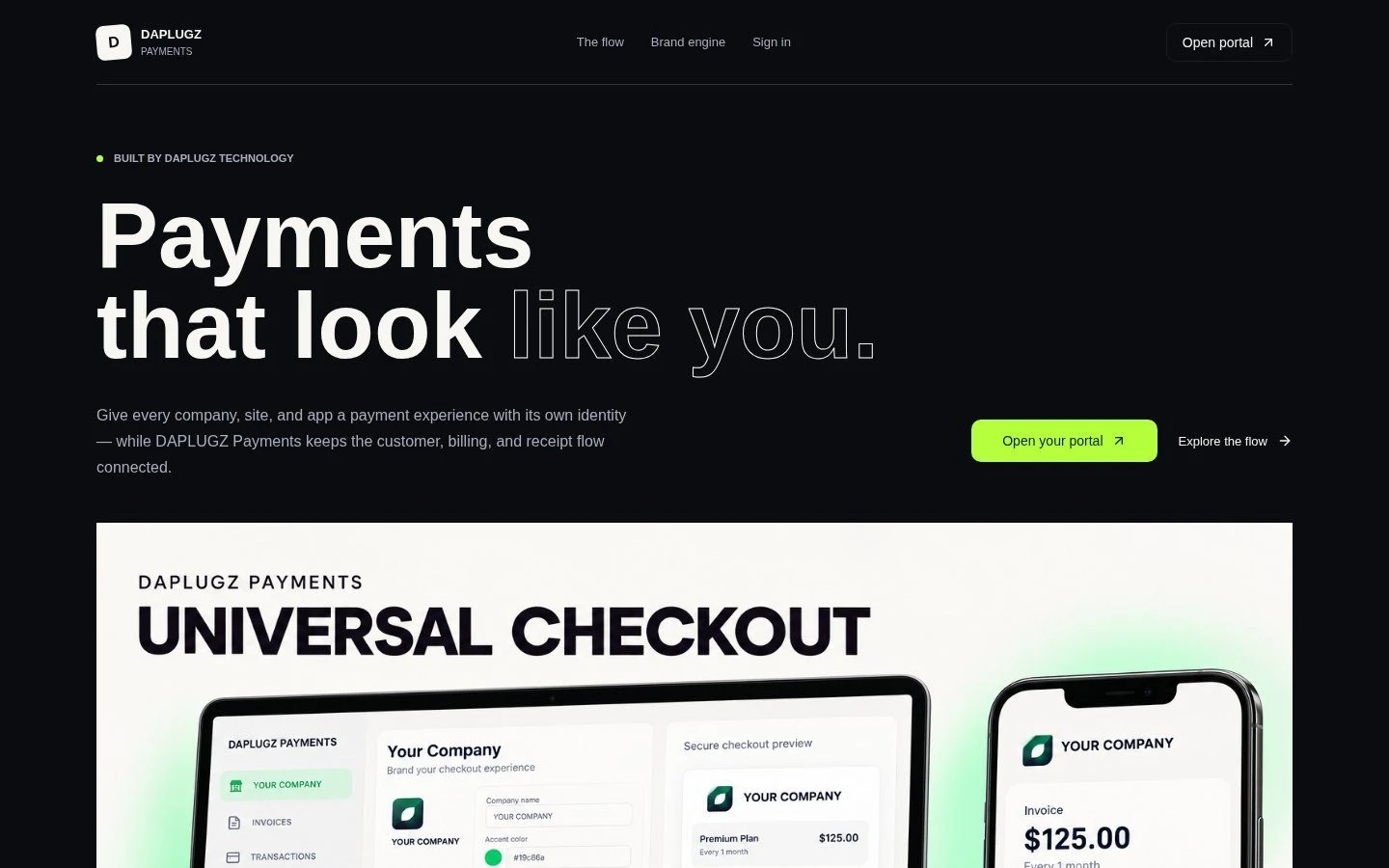
DAPLUGZ Payments — DAPLUGZ original project artwork
01

Branded universal checkout

02

Subscriptions, invoices and receipts

03

Connected apps with their own payment links

04

Customer and admin portals

Where it fits

The project connects a company’s branded checkout with customer, billing and receipt records. Explore the project details or contact us about the platform.
The work layer

MOBU

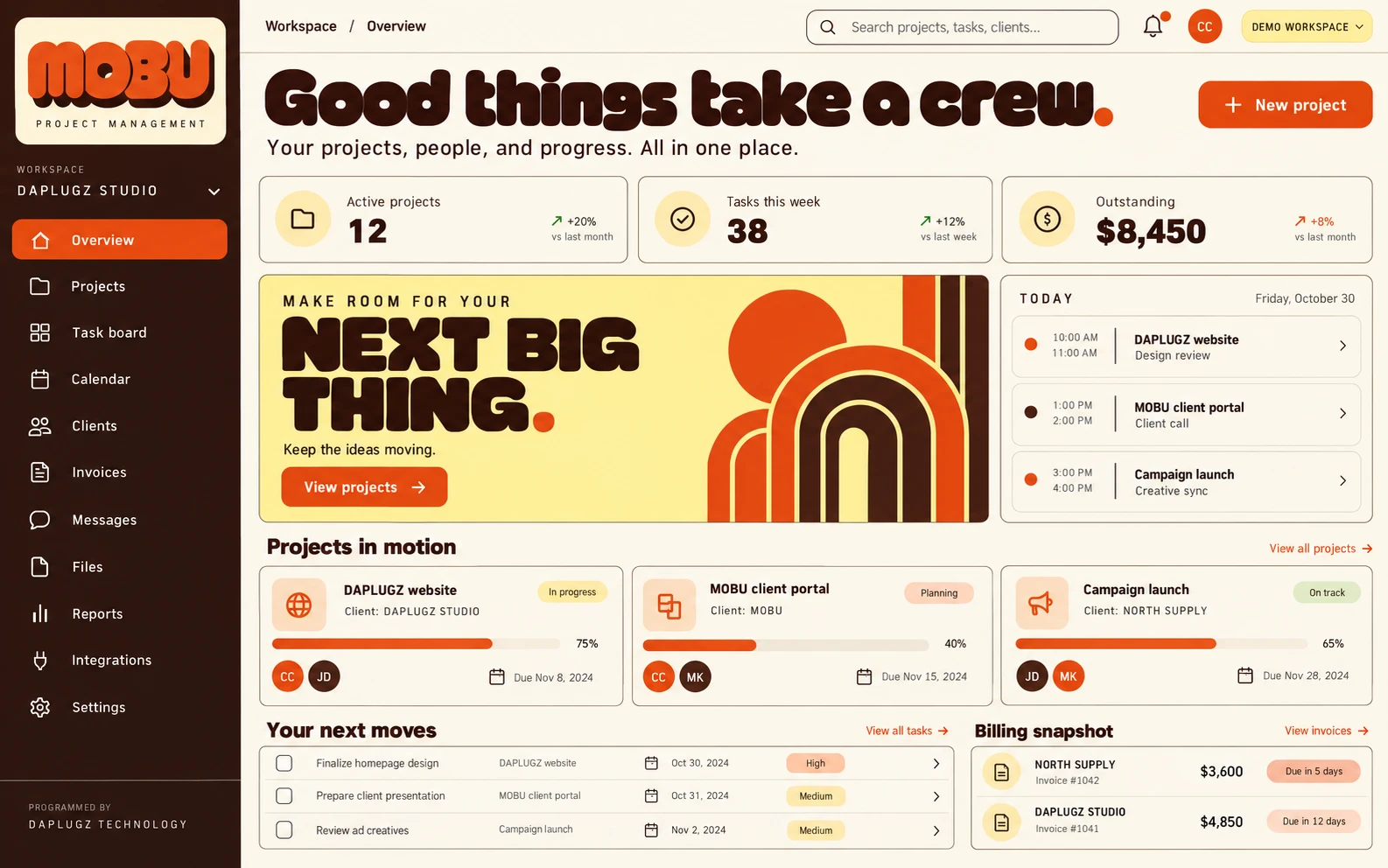
Projects, tasks, clients and invoices live in one dashboard. Clients get their own login to follow along, and billing runs through DAPLUGZ Payments.

Currently in maintenance

MOBU Project Management — DAPLUGZ original project artwork
01

Projects, tasks and clients in one dashboard

02

Client login to follow project progress

03

Invoices issued and paid through DAPLUGZ Payments

04

Built for creative crews and client work

Where it fits

The MOBU project connects client work and invoices to DAPLUGZ Payments. The platform destination is currently showing a maintenance page.

The publishing layer

PlugOS CMS

Manage website content, native editable templates, drafts, previews and publishing within the right client and site workspace.

01

Client and website workspaces

02

Pages, drafts and version history

03

Native editable templates, preview and publish

04

Media library, site links, website content, blogs and galleries

Where it fits

A direct starting point for managing your website content and publishing.

The media layer

Media Server

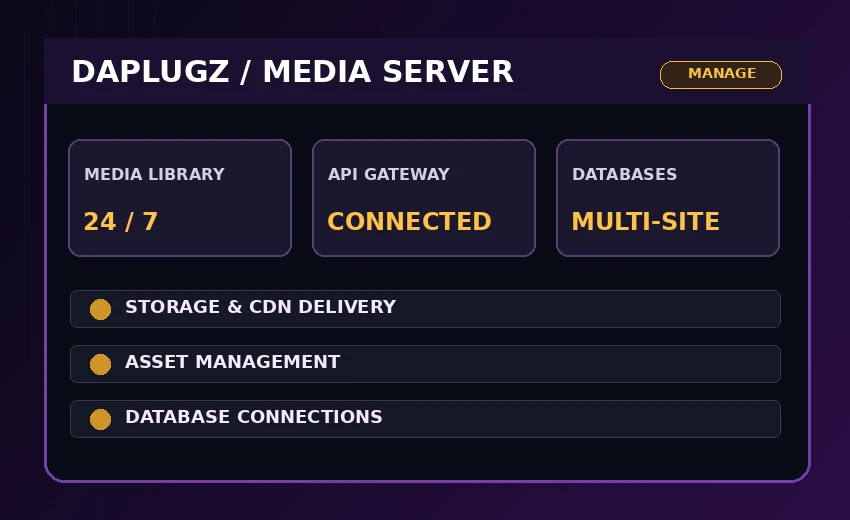
A central, site-based image library with managed storage connections and branded CDN image delivery.

DAPLUGZ Media Server interface artwork
01

Site selection, search, type and access filters

02

Grid and list views, sorting, copy and download controls

03

Branded public image URLs and normalized WebP images

04

Site-scoped permissions and saved transfer progress

Where it fits

Public template images use the active upload route. Private large-file uploads are a separate workflow and are not currently available.

The workforce layer

Unlock 800 HR

Workforce software designed for connected business operations.

01

HR software

02

Workforce operations

Where it fits

Explore the HR software through its dedicated destination.

The streaming platform

DAPLUGZ TV

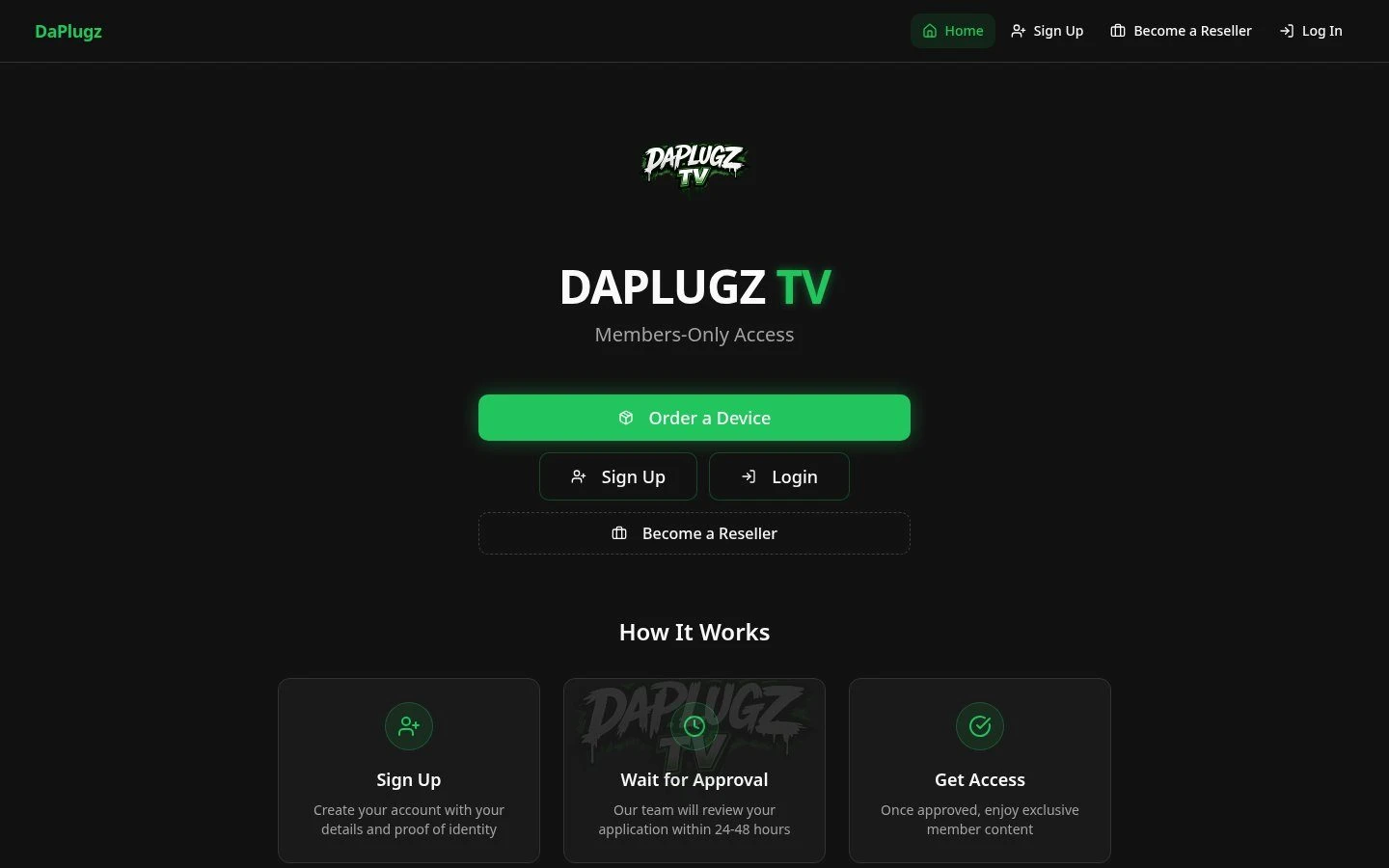
The DAPLUGZ TV project brings member accounts, device ordering, approvals, billing, referrals, support and a white-labeled reseller network into one platform.

Currently in maintenance

DAPLUGZ TV — DAPLUGZ original project artwork
01

Members-only application and approval flow

02

Device ordering and activation

03

White-labeled reseller portals

04

Live support chat, ticketing and notifications

Where it fits

The project presents member experiences and reseller operations together. Its website is currently showing a maintenance page.

Inside the Media Server

A clear path for your images.

Open each stage to see how the library, storage, delivery and permissions fit together.

01 · ManageActive library

A central, site-based media library with search, file-type and access filters, sorting, grid and list views, plus copy and download controls.

02 · StorePublic images active

Public template images use the active DBByte image route. Private large-file uploads through Cloudy and Cloudy2 are a separate, planned workflow and are currently disabled.

Private large-file route: planned
03 · DeliverBranded image URLs

Public images are normalized to WebP and delivered through branded CDN image URLs. This image-storage workflow is separate from the DAPLUGZ TV streaming platform.

04 · ControlSite-scoped access

Permissions are scoped to each site. New-upload routes can be managed separately, while saved transfer progress is read-only. Server assignment describes configuration, not live health.

YOUR WORKSPACE

What are you building?

Give your next idea a place to grow.

Tell us about the people you want to reach and the problem you want to solve.

Start a conversation →